

Screens and settings
Users & Roles Screen
The administration screen where accounts are searched and filtered, their roles and statuses are shown and new users are invited.
The Administration → Users & roles screen lists all accounts that have not been anonymised. The newest account is at the top. Pressing a user's name opens the User Page.
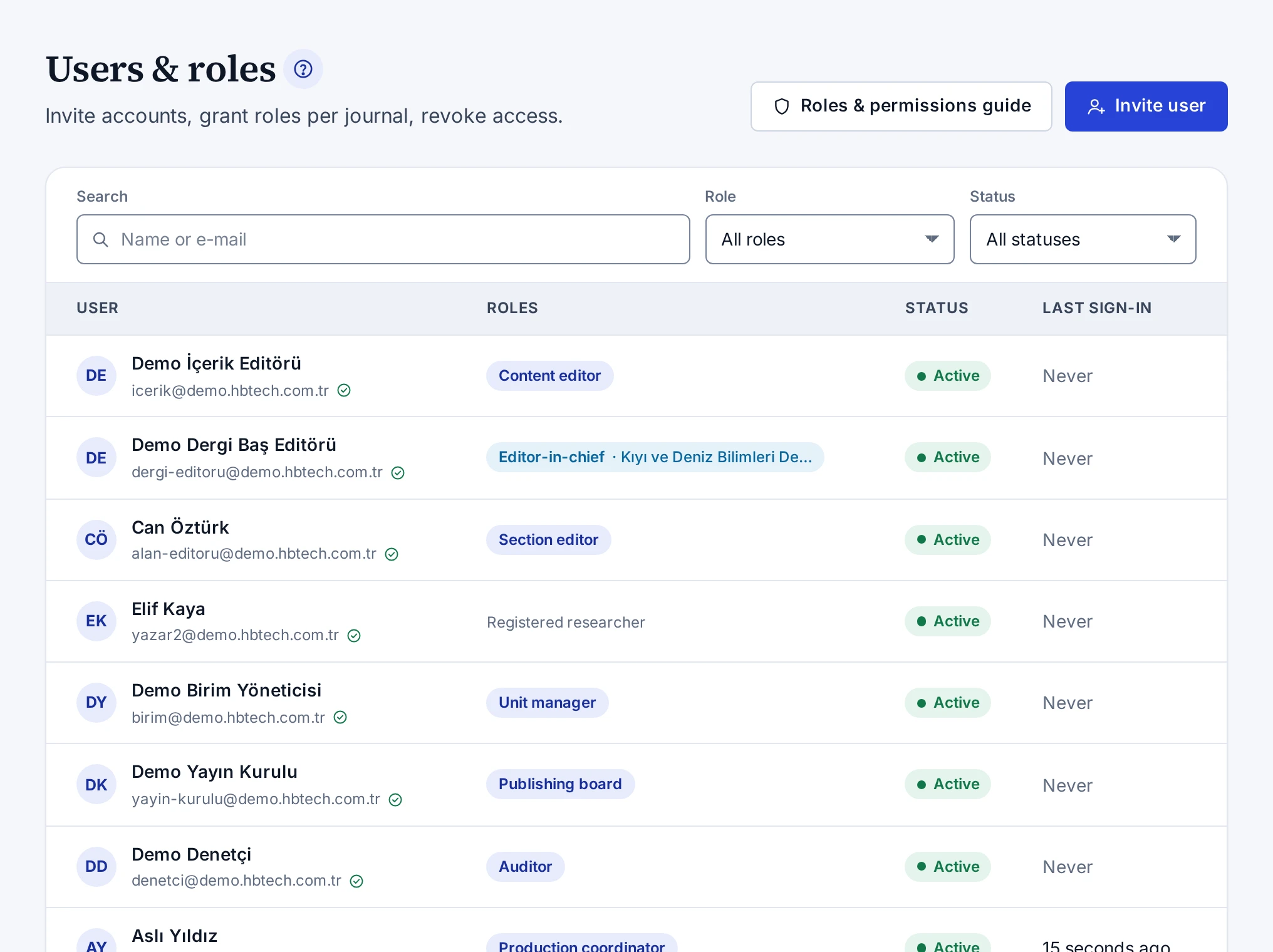
Buttons
- Roles & permissions guide shows the permissions that the roles contain. The screen is explained in Roles & Permissions Guide.
- Invite user opens a new account and gives the person a password link. The steps are in Inviting Users.
Filters
| Filter | What it does |
|---|---|
| Search | Searches with part of the name or e-mail address |
| Role | Shows the users who have the selected role |
| Status | Filters the accounts by status |
The Clear filters button removes the filters. The filters stay in the address bar, so if you share the link, the same list opens. The Unverified accounts card on the Overview screen opens this list with the unverified accounts.
Columns
| Column | What it shows |
|---|---|
| User | The name, the e-mail address and an icon that shows whether the e-mail address is verified |
| Roles | The user's roles |
| Status | The account's status |
| Last sign-in | The time of the last sign-in, or Never if the user has never signed in |
Account statuses
| Status | Meaning |
|---|---|
| Active | The account is in use. |
| Awaiting verification | The e-mail address is not verified yet. Accounts that registered but did not verify their address, did not accept their invitation or had their address changed are in this status, and their roles do not work. |
| Disabled | The account was disabled and cannot sign in. |
Anonymised accounts do not appear in the list.